AYURVEDA
“the religion of health”
Religion or Dharma – that inseparable quality which you have.
Checkout our Online Store to get started.
If you require personal support please email.
Your complete guide to Ayurvedic Herbals and Ancient formulas tested over 2000 years.
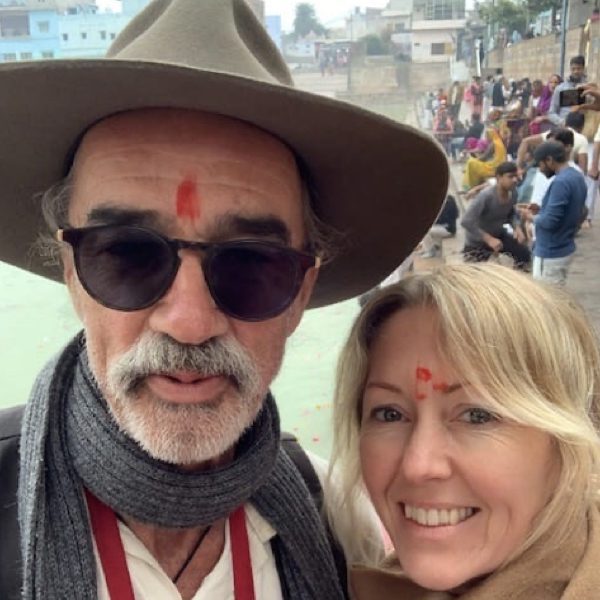
At Eumundi Medicine Man
“A rainbow is not a colourful frown,
But Nature’s smile upside down”!
For our Dedicated Supporters of Ayurvedic Lifestyle.
This reference guide of Ayurvedic Herbs and Spices is for our patients who have been with us for the past twenty five years.
Our focus is finding the cause and providing knowledge of substance, so as to address the underlying cause of imbalance.
We have many Ayurvedic Remedies to aid our health or balance an imbalance. However, knowledge of the energetics of those substances is paramount.
Knowledge is power and that vitality also aids the potency of the substance we are ultilising.
Research fully, know what you take, and take what you know!
❤️ Jay & Heidi
EUMUNDI MEDICINE MAN
Click the Current Specials button to access our monthly offerings.


The purpose of this guide is to highlight the incredible qualities and actions of herbs and traditional preparations which have been benefiting humans since time immemorial.
Ayurveda is a complete system of natural healing that has its origins in the Vedic culture of India.
This traditional science of Ayurveda is designed to bring the body back into balance so it can heal itself using diet, lifestyle, herbal remedies and mind purification practices.
Book in your AYURVEDIC CONSULTATION Today !
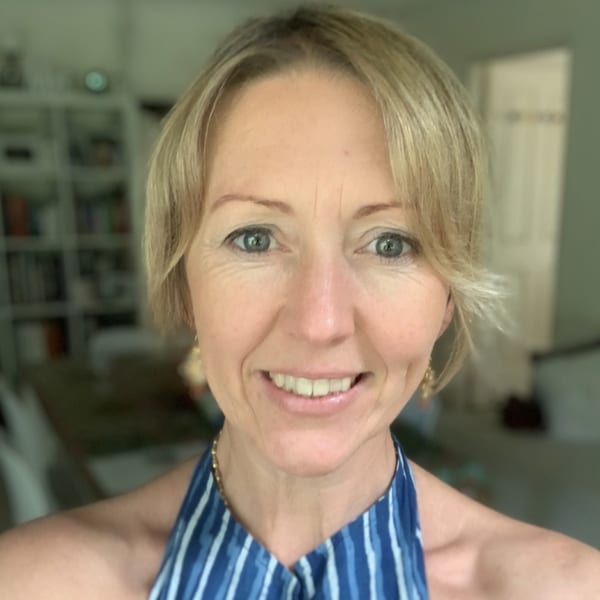
Heidi was first introduced to Ayurveda at a very young age; naturally she has developed a deep understanding of this ancient profound health science.
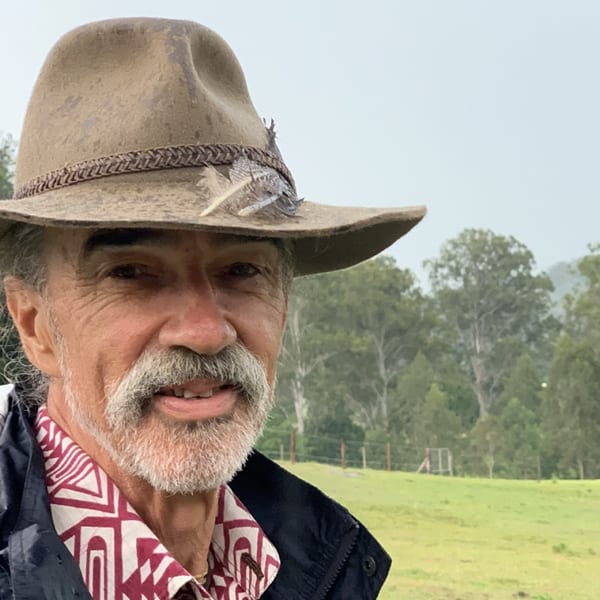
Jayadharma Mulder (B.Hlth.Sc., Dip.Herb) is a well known Ayurvedic Herbalist from the Sunshine Coast.
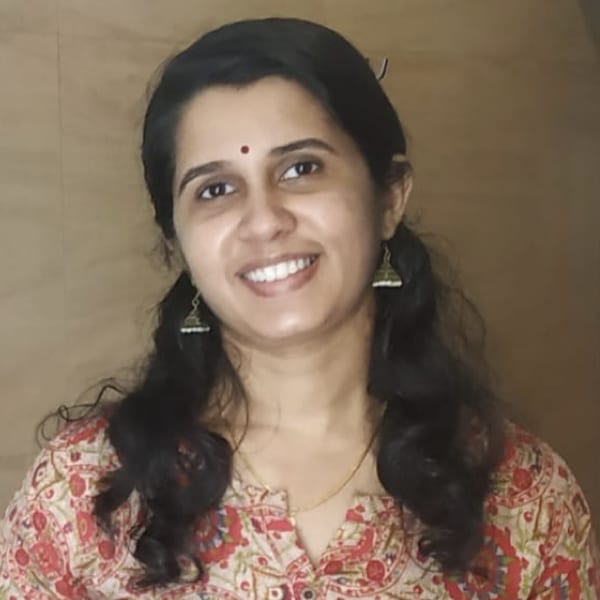
Dr Anitha is a beloved doctor of many people from around the world. Traditional Indian Ayurveda Dr, Practitioner, Author and Cook.
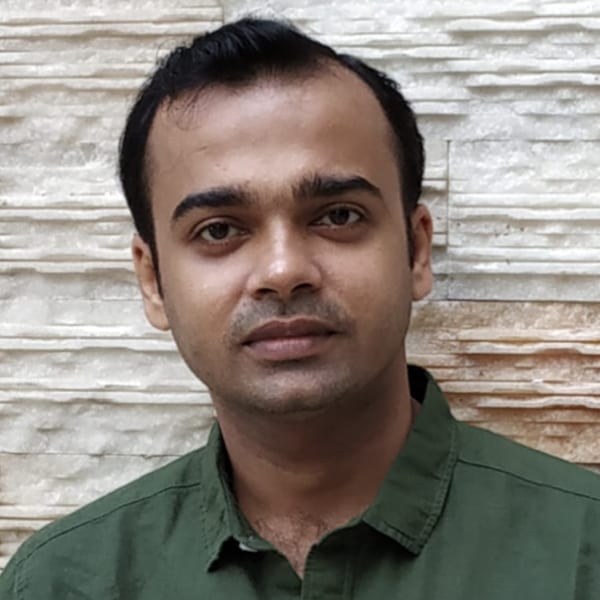
Dr Rajesh is a forth generation Ayurveda practitioner from Nagath family. Bachelor of Ayurvedic medicine and surgery) Employed by Government and private hospitals for over 10yrs
Powered by: Mailchimp
Join our Ayurveda Community Newsletter for monthly specials, exclusive Ayurvedic guidance and knowledge.
Email your enquiry
contact@eumundimedicineman.com
Secure Payments